The Problem Nobody Talks About
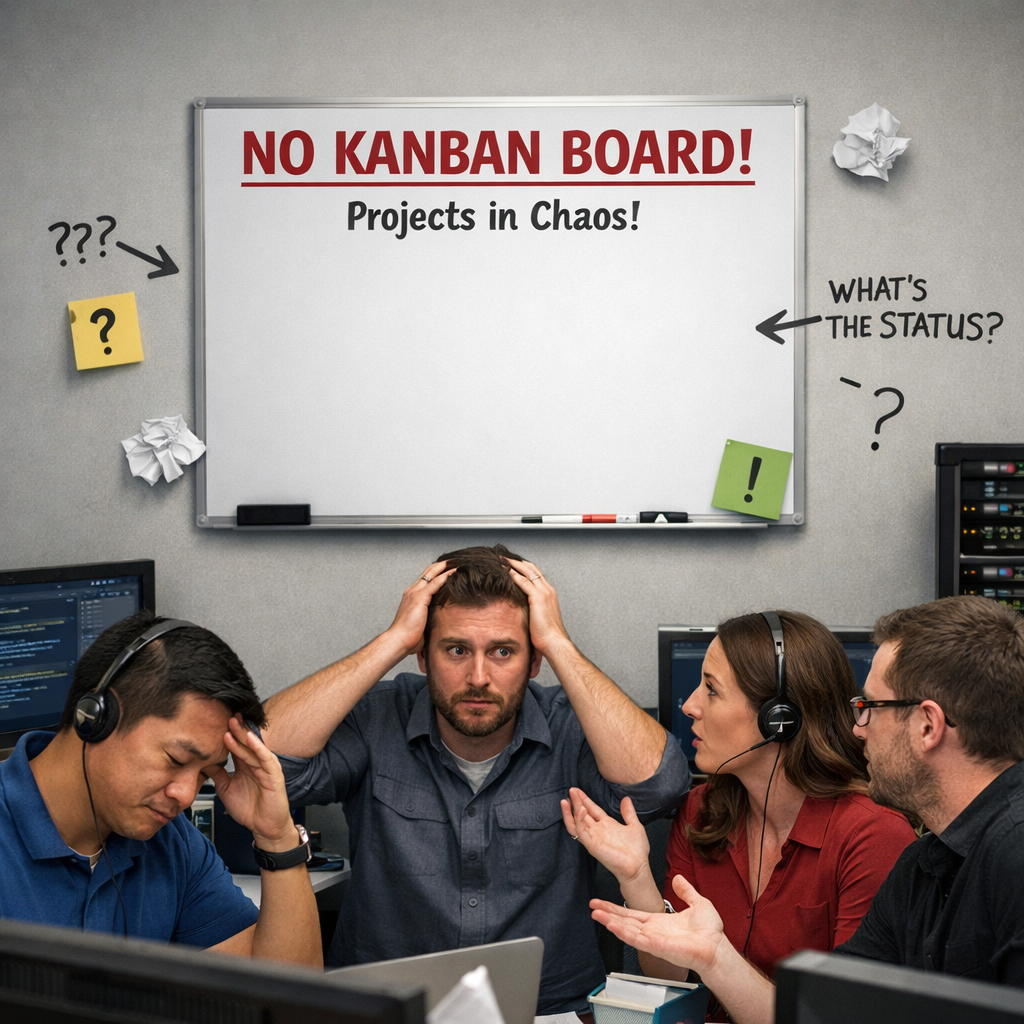
Here's a pattern we see constantly at MSPs that are growing past 10 or 15 people. Two senior techs stop collaborating. Tickets sit in the queue longer than they should. The owner spends every night staring at the service board, trying to figure out why things haven't moved. Someone on the team is exporting stuff to Excel trying to figure out what was where and who was doing what.
It looks like a people problem. It feels like team drama. But most of the time, it's actually a visibility problem.
The signs are familiar:
-
Escalations getting mishandled because nobody can see who owns what
-
Tickets a technician started that haven't progressed in 4 or 5 days
-
A growing backlog with no clear picture of who's overloaded
-
Team members working in silos because they don't know how their work connects to anyone else's
-
Projects slipping because there's no unified view of project work alongside service tickets
If you're running an MSP, you've probably lived this. Team friction doesn't just hurt morale. It creates real operational problems that hit service delivery, client satisfaction, and revenue.
Why Your PSA Doesn't Show You the Real Problem
Team tension rarely appears out of nowhere. It builds slowly, hidden beneath surface-level metrics. And traditional PSA tools simply aren't designed to show you where collaboration breaks down.
Your PSA tracks tickets and time entries. That's what it's built for. But it doesn't reveal:
-
Who's overloaded and who has capacity
-
Which resource assignments are unclear or conflicting
-
Where communication gaps are causing confusion between techs
As one MSP owner told us, "It's very difficult for me to get an understanding of where the workload is at, and where tickets are at, at an at-a-glance view." Another described it bluntly: "It's a guessing game. We're just throwing a dart at the wall and hoping it sticks."
The opportunity is straightforward. If you can see how work actually moves through your team, you can identify blockers before they turn into conflicts. You need a way to see not just what work is getting done, but how the team is working together.
What Teams Try First (And Why It Doesn't Stick)
Longer meetings. The instinct is that more communication will fix things. Instead, it eats into billable time and creates overhead without touching the root cause. Your techs already view extra meetings as a giant disruption to their day.
Long email chains. Teams try to clarify resource allocation and task dependencies over email. What actually happens:
- Important updates get buried in threads nobody reads
- Engineers spend more time on email than on actual tickets
- Admin work goes up while efficiency goes down
Team-building sessions. These can be fun, but they're disconnected from daily operations. When techs get back to their desks, the same problems are waiting:
- Work priorities are unclear
- Dependencies are hidden
- Priorities shift without anyone explaining why
The real issue isn't that people don't want to collaborate. It's that the systems make collaboration difficult. Without clear visibility into who's working on what, why certain tasks were prioritized, and how individual work connects to larger projects, people fill in the gaps with assumptions. And those assumptions lead to conflict.
One prospect described the frustration perfectly: "Things are slipping, and I think it's identified that there isn't really any systems. It's kind of just people doing a good job."
A Framework That Actually Works
The approach that works combines three things: better visibility, structured communication, and clear accountability. None of these are complicated on their own. The trick is making them work together.
1. Visual Workflow That Shows Everything in One Place
The foundation is getting all work visible in a single view. Kanban boards integrated with your PSA put every ticket, task, and project in front of the whole team on one screen. Drag-and-drop makes it easy to:
-
See work in progress across the team
-
Spot what's stuck and why
-
Understand workload distribution in real time
This is what MSP owners describe wanting: "I would love a Kanban view. Here's what's done, here's what needs to happen next, here's where we are."
When techs can see both project and service tickets in one interface, the dynamics change:
-
Dependencies become obvious instead of hidden
-
Resource constraints are visible before they cause problems
-
Engineers can see their queue, understand why things are prioritized the way they are, and know when they need to collaborate
This transparency eliminates most conflicts before they start, because everyone is working with the same information. No more guessing.
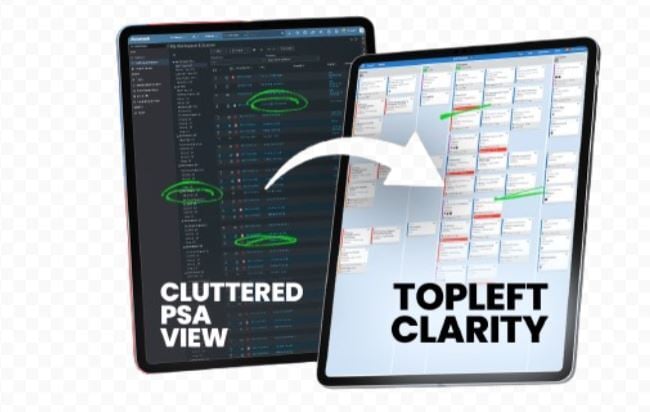
TopLeft does exactly this. It layers Kanban boards, Gantt charts, and workload views on top of your existing PSA (ConnectWise, Autotask, or Halo), so you get that at-a-glance view without switching between consoles or exporting to spreadsheets.
2. Short Daily Standups, Not Longer Meetings
Visual tools alone aren't enough. You need a rhythm. Daily standups, 15 minutes max, focused on three questions:
-
What did you complete?
-
What are you working on today?
-
What's blocking you?
These check-ins become your early warning system. The key is keeping them operational, not emotional. Instead of airing grievances, team members discuss specific tickets, projects, and resources. When someone mentions a blocker, the team can see it on the board and address it right there.
Monthly retrospectives give space for deeper reflection. With your workflow data in front of you, the team can look at patterns:
-
Are certain types of tickets consistently creating bottlenecks?
-
Do project handoffs keep causing confusion about responsibilities?
-
What can we change to make next month smoother?
These sessions focus on improving processes, not blaming people.
3. Clear Accountability That's Visible to Everyone
Define clear roles for every project and workstream, and make that accountability visible. When a ticket is assigned, everyone knows who owns it. When an escalation is needed, the next step is clear.
Regular check-ins between service delivery and project teams prevent silos from forming. Everyone understands how their work affects others. This is what gets you closer to the goal one owner described: "I want to get the team to work autonomously. Have visibility and get the team to work autonomously."
The Myth: "This Takes Away from Billable Work"
A common objection: spending time on team dynamics is overhead that doesn't contribute to service delivery or revenue.
Think about what unresolved friction actually costs you. When two technicians avoid collaborating:
-
Tasks take longer because knowledge isn't shared
-
Tickets sit in queues waiting for handoffs that don't happen smoothly
-
Service levels suffer
-
Clients notice slower response times and start escalating
The time spent managing these problems far exceeds the time invested in preventing them.
When work flows smoothly through the team, project delivery improves. Utilization rates go up because techs aren't avoiding certain tickets or waiting on missing information. Client satisfaction rises because service delivery becomes consistent and predictable.
The right visual workflow tools support this by:
-
Eliminating double-entry between systems
-
Reducing time spent clicking around inside the PSA
-
Providing transparency that answers questions before they need to be asked
-
Real-time tracking that cuts down on status update meetings
-
Automating updates between systems so techs can focus on actual work
When visibility is high and accountability is clear, people spend less energy on workplace politics and more on meaningful work. Instead of protecting their territory, technicians start looking for ways to help each other.
Why This Works
Most team friction in MSPs comes from three things: unclear priorities, invisible work, and ambiguous accountability. Not personality clashes.
When everyone can see the same workflow, understand how prioritization decisions are made, and know exactly who's responsible for what, most conflicts simply don't happen. The ones that do come up get addressed quickly in a daily huddle or monthly retro before they escalate.
This isn't about adding more meetings or creating bureaucracy. It's about organizing work so that friction doesn't build up in the first place. When your techs can see their priorities clearly, understand dependencies, and know how their work connects to team goals, they collaborate naturally. When you as a manager can see who's overloaded and spot bottlenecks early, you can fix resource problems before they become people problems.
The best conflict resolution strategy is designing operations that minimize conflict from the start. That means visibility, structure, and accountability.