
Integrations
TopLeft puts your PSA’s tickets and projects on Kanban boards. Changes you make on the board go straight back to ConnectWise, Autotask or HaloPSA, and changes made in the PSA show up on the board.
Keep your project data in your PSA
We provide sweet visuals for your existing PSA database that are useful for your team and clients alike, without having to migrate or double-enter anything. We built it for our MSP because we needed it and wanted it.
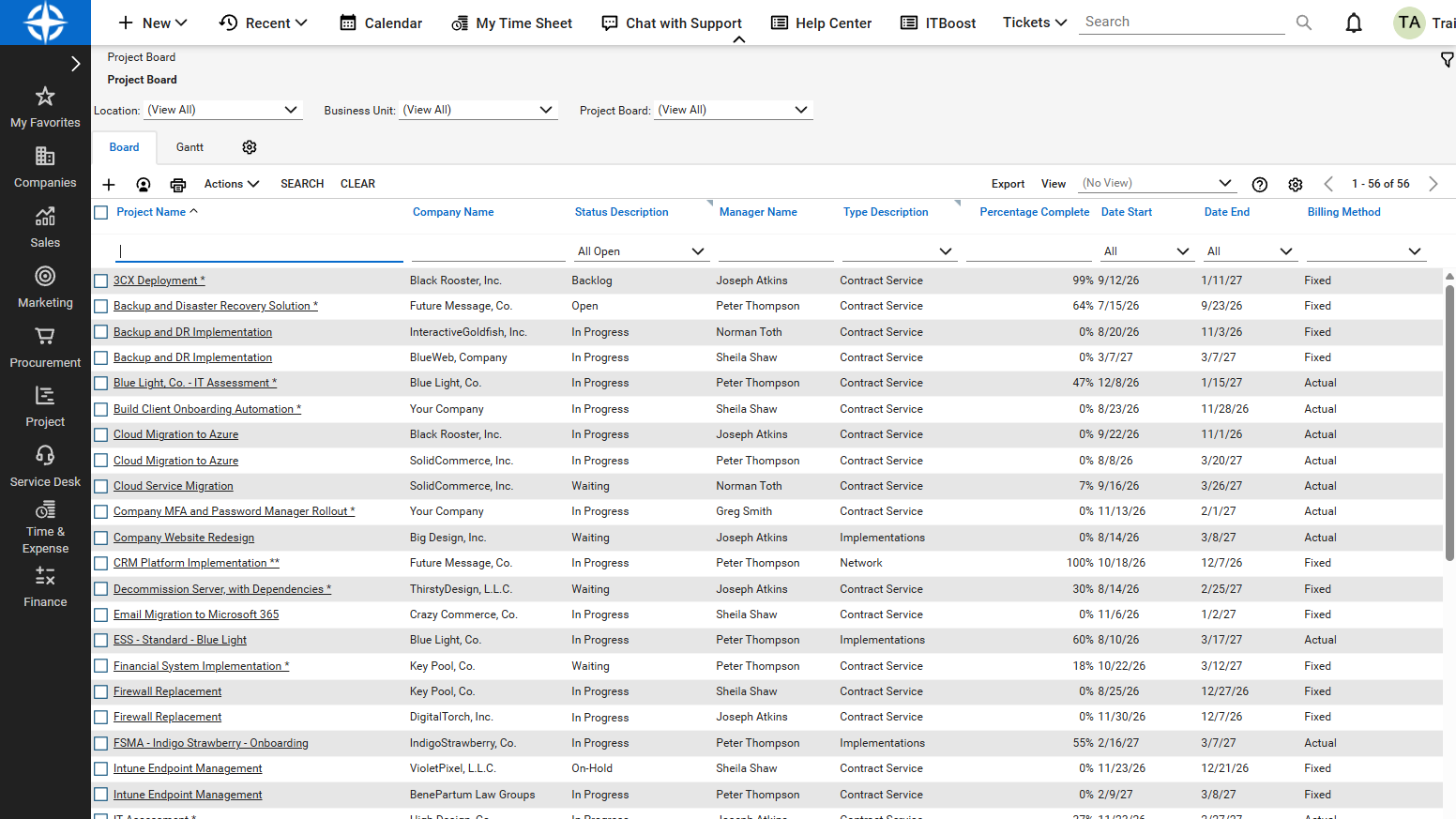
ConnectWise
Service tickets, projects and activities on boards, grouped by project, priority or tech, with SLA deadlines colour-coded. Change a status, assign a tech or enter time on the card, and it is saved in ConnectWise.
TopLeft for ConnectWise →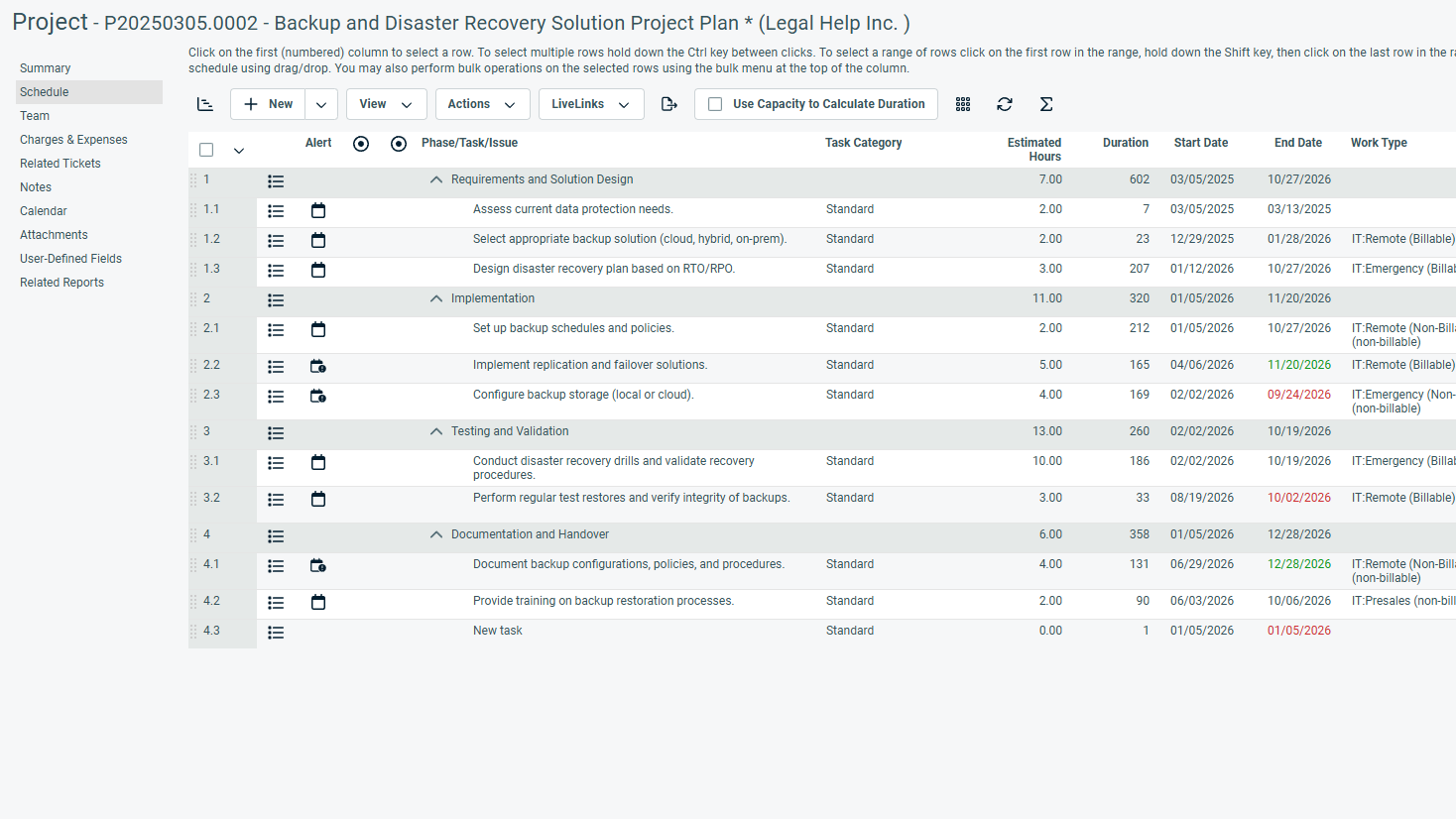
Autotask
Tickets, projects and tasks on boards, with project timelines as Gantt charts and swimlanes. Change a status, reassign work or enter time on the card, and it is saved in Autotask.
TopLeft for Autotask →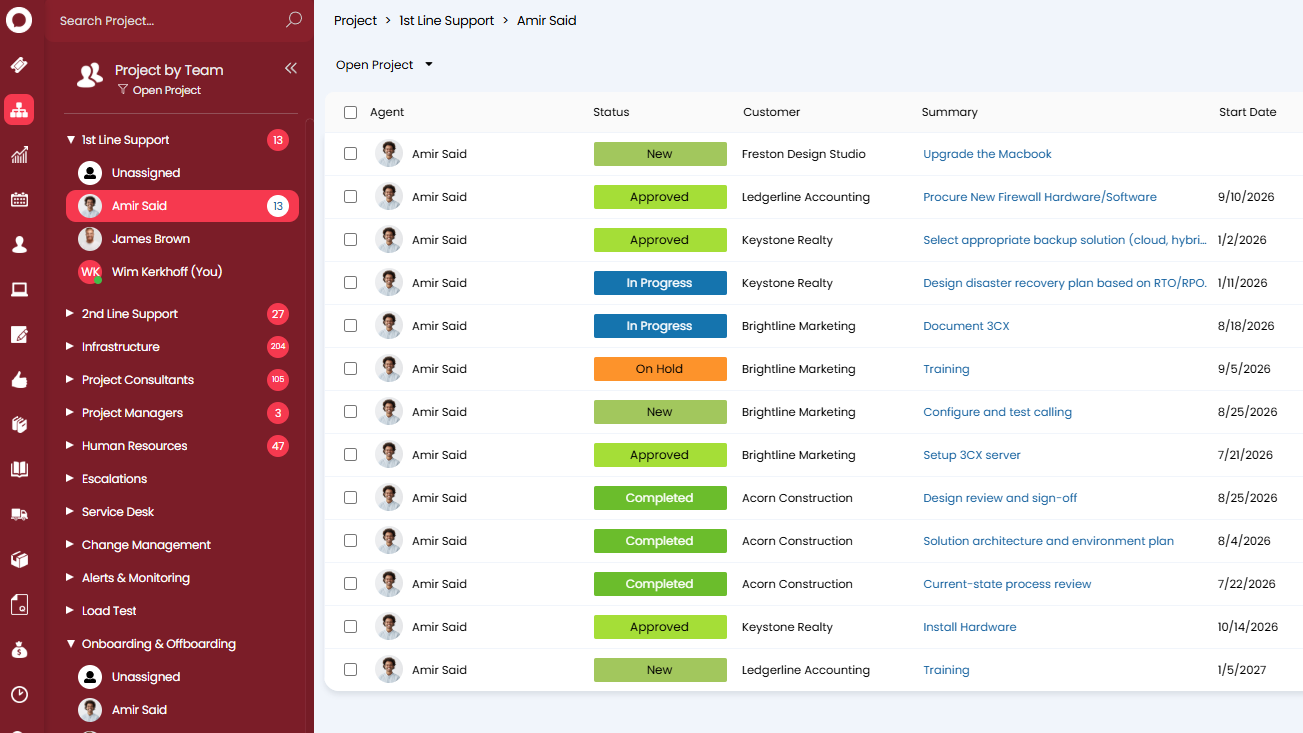
HaloPSA
Tickets and projects on boards, with approaching deadlines colour-coded. Change a status or reassign work on the card, and it is saved in HaloPSA.
TopLeft for HaloPSA →Add-on integrations

CloudRadial
Live boards inside your CloudRadial client portal, so clients check project status themselves instead of asking you.
TopLeft for CloudRadial →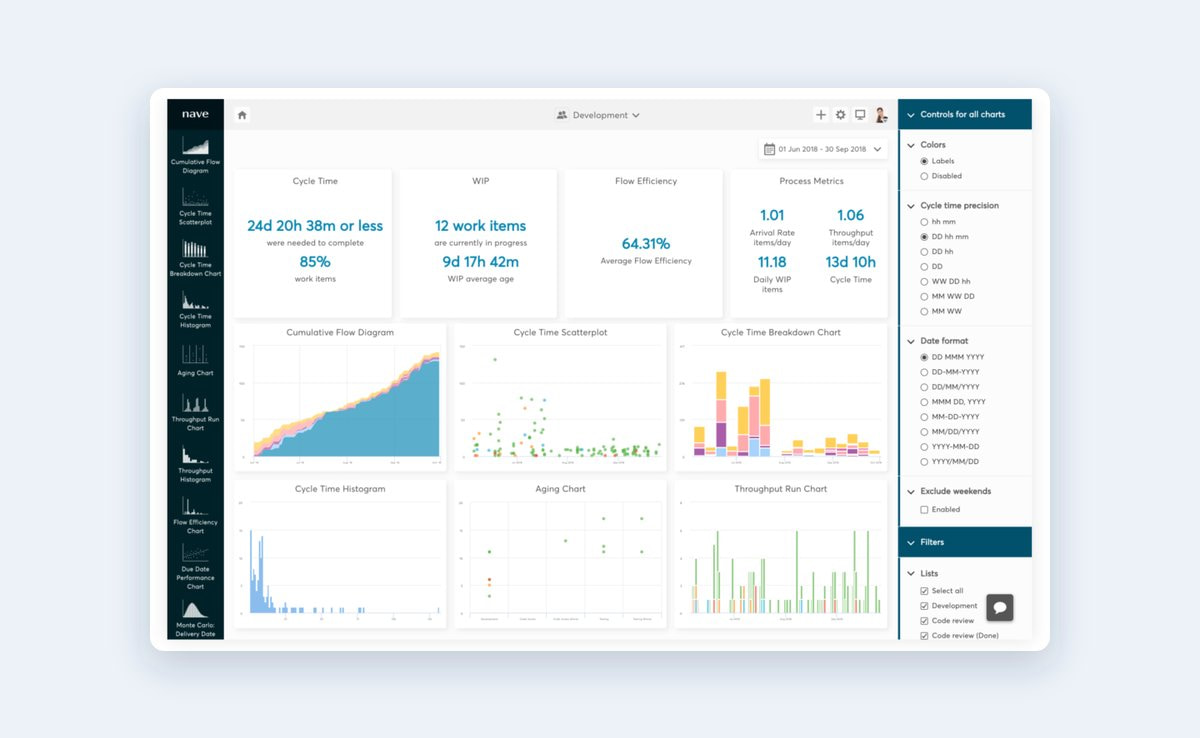
Nave
TopLeft sends your board to Nave every day for cumulative flow diagrams, cycle time scatterplots and aging charts, so you can see where tickets and tasks stall.
TopLeft with Nave →
Claude, ChatGPT and other AI tools
The MCP connector lets Claude, ChatGPT, Gemini or Copilot read your projects, tickets, tasks and notes, and create or update them when you ask.
TopLeft MCP connector →How it connects
Step-by-step setup guides: ConnectWise, Autotask and HaloPSA.
Give TopLeft an API login in your PSA.
Add a security role and an API member for TopLeft. In ConnectWise and Autotask you can keep it away from boards or queues you don’t want synced.
Send us the credentials.
Enter your API keys into our customer portal. Our servers will automatically pull in your data and send you the instructions for your first login.
Set up your views.
Build your boards by mapping their columns to the workflow statuses you already use in your PSA. Then adjust the conditional formatting so the cards that need attention stand out.
Your PSA
Your PSA (ConnectWise, Autotask or Halo) stays your system of record. Your PSA will notify TopLeft of any changes.
TopLeft
- Reads your tickets, projects and time
- Immediately saves any data changes back to your PSA
Your team
Works from Kanban boards instead of ticket lists.
Integration questions
Does TopLeft work with on-premise ConnectWise?
Do changes made in TopLeft go back to the PSA?
How quickly do changes in the PSA show on the board?
What access does TopLeft need?
Is anything not synced with Autotask?
See your own tickets on a board
Book a demo and we’ll walk through TopLeft on your PSA, whether that’s ConnectWise, Autotask or HaloPSA.