
An Asana alternative for MSP project management on ConnectWise, Autotask and HaloPSA
· Wim Kerkhoff · Project Management

A familiar Monday morning at an MSP that runs projects in Asana: three screens open.
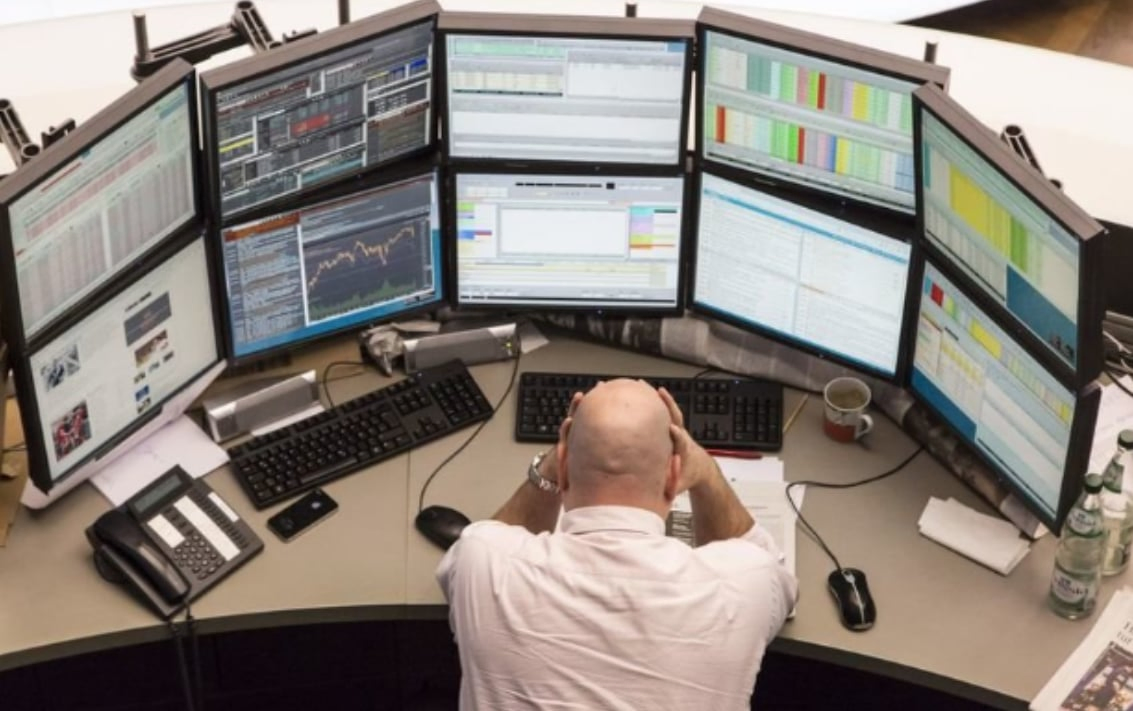
One screen shows the PSA, full of tickets from clients waiting on a reply the team meant to send.
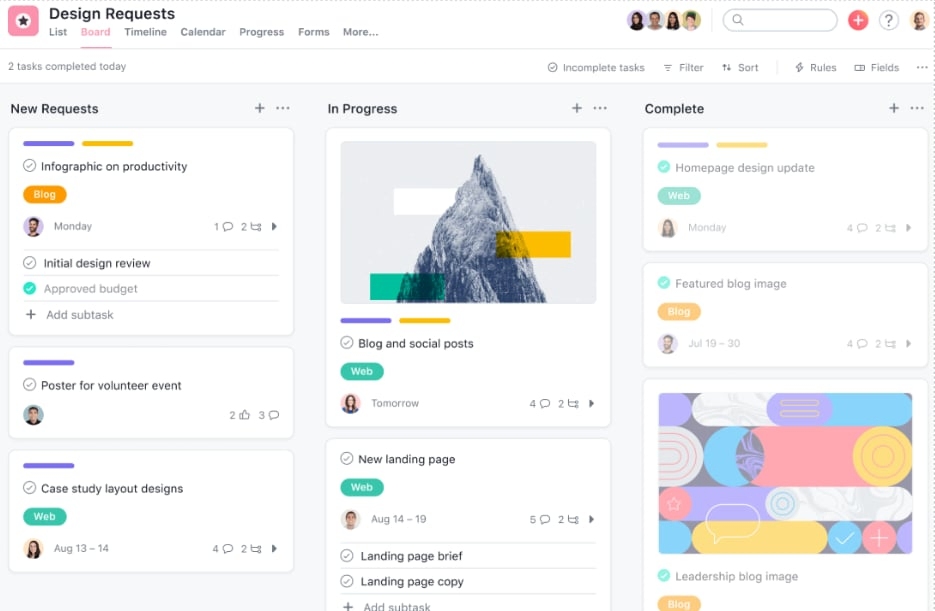
The second shows the project boards in Asana. You want the team to keep tasks current there, but they also have to enter their time in the PSA for billing, so Asana falls behind.
The third is the spreadsheet that was supposed to hold it all together. Add the emails to clients and the team about where each project stands, and most of the morning is gone.
What MSPs want from Asana
MSPs move projects into Asana for the view, and the view is worth having. Kanban boards show who is working on what. Problems show up early, and nobody has to ask for a status update.
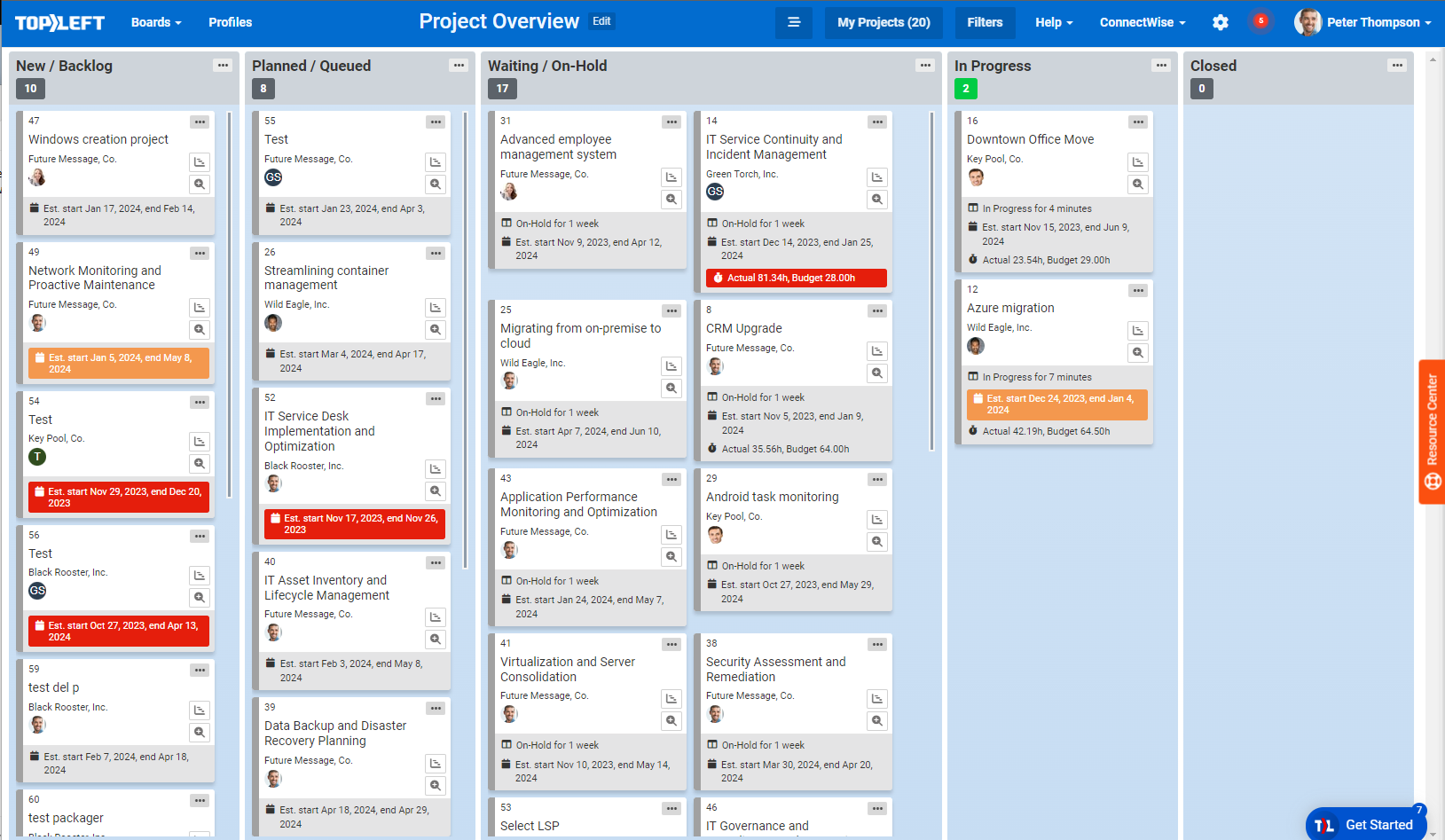
Two other views matter just as much for client projects:
- Gantt charts show how every project fits together over time.
- Horizontal swimlanes organize work by person, queue, client, type or category, so a manager can see each technician’s load on one page.
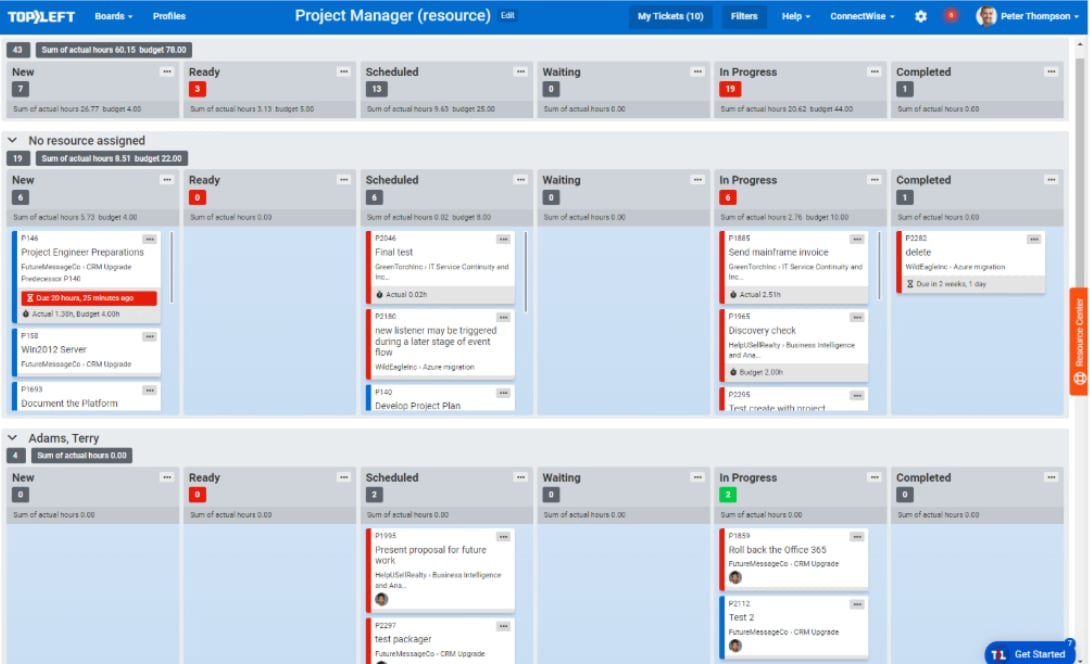
Put together, these let the team see what to work on next and let you see where a project is stuck.
Why Asana stops working for client projects
Asana and Monday.com both give you good boards. The trouble is that neither connects natively to ConnectWise, Autotask or HaloPSA, so every ticket and project task has to exist twice. Teams that try it usually link the two with Zapier triggers, or copy updates across by hand.
The board looks great for the first few weeks. Then the PSA and the project tool drift apart, technicians get tired of updating both, and the manager ends up copying notes across for them.
How TopLeft began
Our founder, Wim Kerkhoff, tells the story like this:
“I’ll never forget the year we were struggling so bad to manage projects and ticket backlogs. We were losing clients out the backdoor as fast as we got them in the frontdoor. All while we had a PSA (ConnectWise) to help manage the business. I got so frustrated and desperate.”
“One day, I realized the irony: my other company, a SaaS product for internet speed optimization, was using JIRA and the Agile Scrum project methodology. They had low stress and steady progress and were getting work out the door every day. I got to thinking: how can we apply that in the IT Operations world? I knew there must be a better way. After a bit of research and thinking, we settled on the Kanban method. We couldn’t find any decent integration to existing tools (Zapier doesn’t count), so we experimented with creating our own.”
Why the PSA stays the system of record
Moving everything into Asana or Jira and dropping the PSA is not an option for an MSP. The PSA holds the tickets, time entries, invoices, contracts and client history, and the financial reporting depends on it.
\
So the answer is a project view that runs on the PSA’s data, instead of a second system beside it.
An Asana alternative built on your PSA
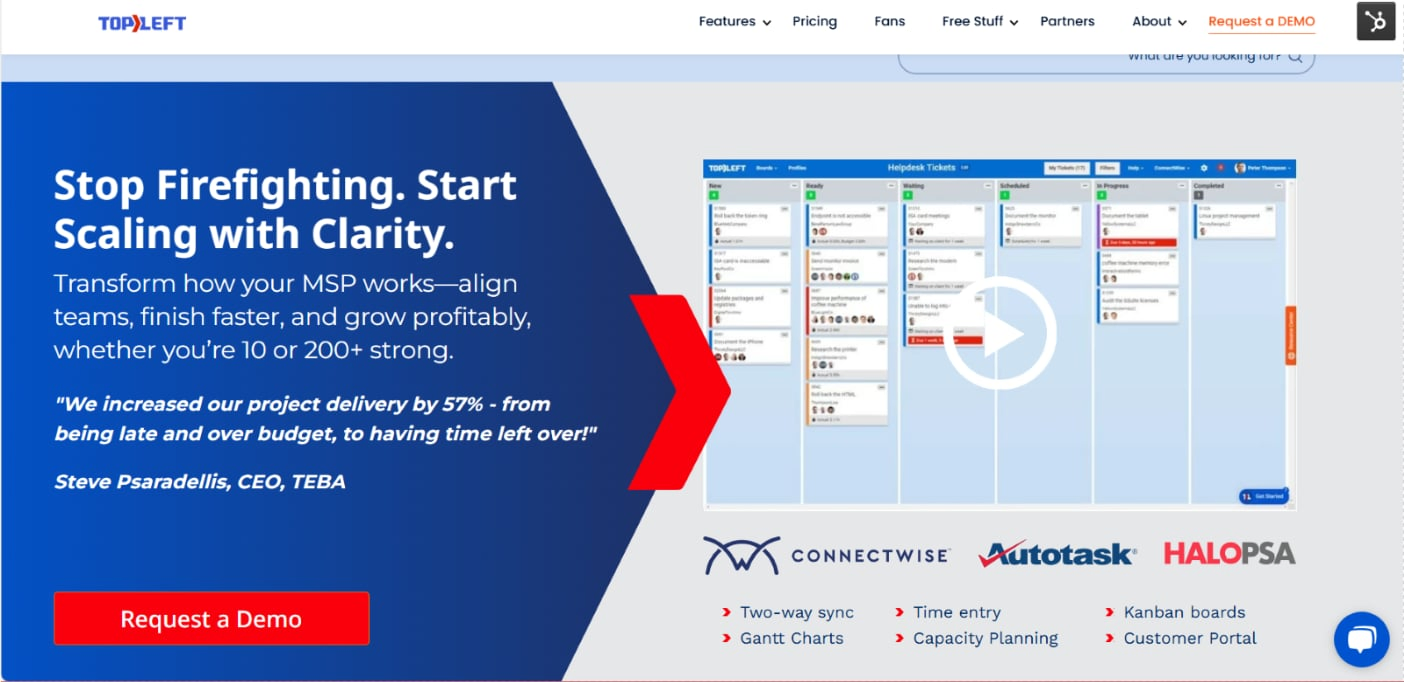
TopLeft connects to ConnectWise, Autotask or HaloPSA and syncs both ways:
- Kanban boards with your PSA statuses as columns, and tickets and project tasks as cards.
- Gantt charts with each project as a bar on a timeline, coloured by status such as on track, at risk or over budget.
- Swimlanes by technician, project, phase or team, with work-in-progress limits per column.
- Notes and time entries from the card, saved straight to the PSA, so nobody updates two systems.
| Asana | TopLeft | |
|---|---|---|
| Native ConnectWise, Autotask or HaloPSA sync | No (Zapier or custom code) | Yes, both ways |
| Time entries | Logged in the PSA separately | From the card, saved to the PSA |
| Kanban and Gantt from PSA projects | Rebuilt in Asana | Built from the PSA data |
| Built for | Any team’s projects | MSP tickets and projects |
Vendor details are as of October 2026. For a single PSA, see Asana and Autotask or Monday.com with ConnectWise and HaloPSA. For Microsoft Planner, see TopLeft vs Microsoft Planner.
What changed at Appalachian Network Services
Chase Effler, Engineering Manager at Appalachian Network Services, a ConnectWise MSP, wrote in his review:
“We transitioned from ConnectWise Manage to TopLeft for better ticket management. And we have improved SLA adherence from 60% to 90% within six months. Our employee utilization has improved as well from 30% to 75%, our target is 80% and we are almost there.”
Read more from MSPs using TopLeft, or book a demo to see projects on a board built from PSA data.