
10 ways Lean and Agile practices raise MSP profit
· Wim Kerkhoff · Agile
Most MSP owners know the daily version of this: projects that drag on, a backlog (the list of work waiting to start) that never shrinks, and technicians spread across too many tickets at once. The cost of that shows up in margin long before it shows up in a report.
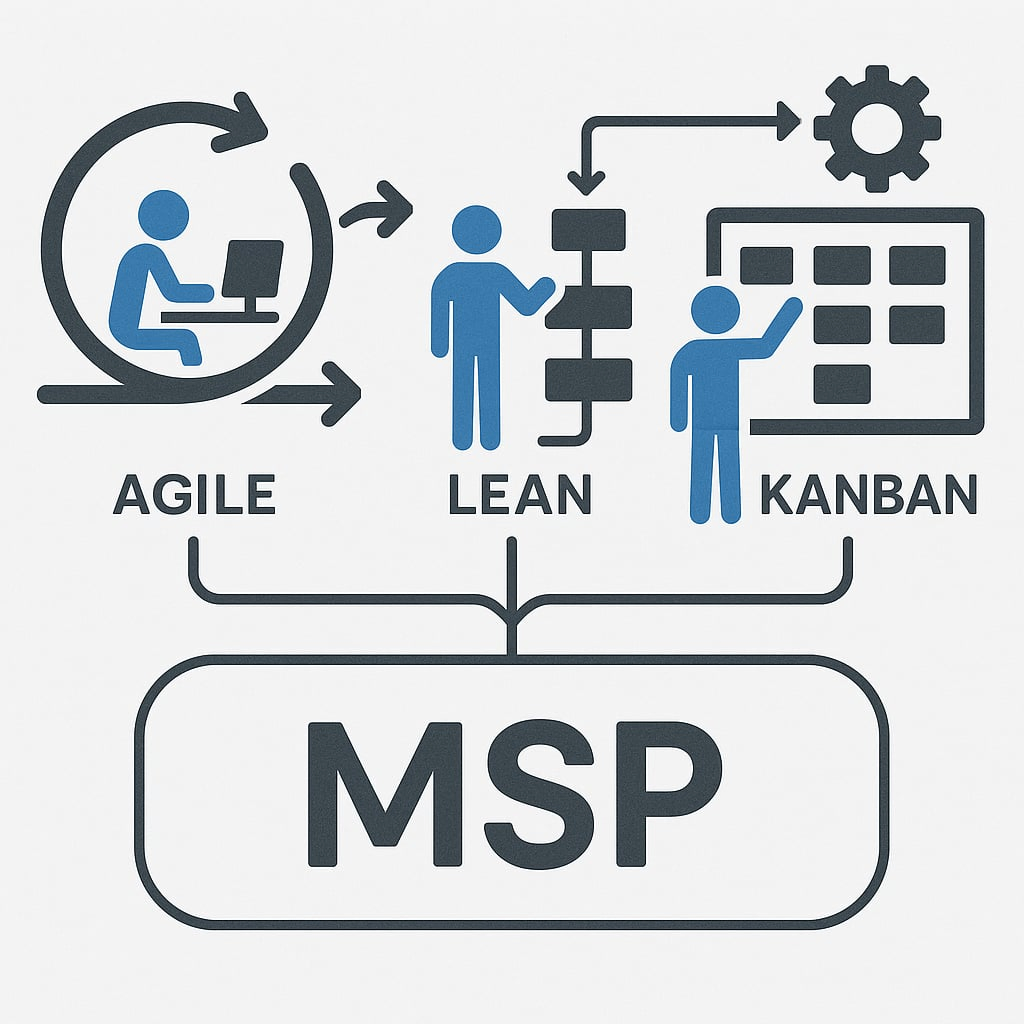
Lean (a method for cutting waste and delays out of how work moves), Agile (working in short cycles and adjusting as you go; it suits service and project teams, not only software) and Kanban come from manufacturing and software teams, and the ideas carry over to a service desk with little change. Below are ten places they show up in an MSP’s profit. For the results MSPs reported, with names and numbers, see 10 real ways MSPs save or make money with TopLeft.
1. Finish projects before starting new ones
Lean’s first habit is to finish what is in progress before starting more. A project that is 80% done earns nothing, and a client who sees it finished sooner pays sooner. Fewer projects open at once means each one reaches the invoice faster.
2. Limit work in progress
Kanban puts a limit on how many cards a column, or a person, can hold. Every switch between half-done tickets costs a technician time to pick the thread back up. A work-in-progress limit keeps each person on a few tickets until they are done, and turns that lost time back into billable hours. Try the multitasking game to feel the cost yourself.
3. Catch problems while they are small
Agile works in short loops with the work in plain view. A ticket stuck in one column for days is visible to everyone, so it gets a question at the next huddle (a 10 to 15 minute meeting at the board) instead of a complaint from the client a week later. Rework and missed requirements are unbillable time, and short loops catch them early.
4. Plan capacity before you commit
When the board shows how much work each engineer already has, you can see whether a new project fits before you promise a start date. That leads to fewer late projects and better timed hiring. See capacity planning for MSPs for how this works on PSA data.
5. Forecast from how work actually flows
Throughput (how many tickets or tasks a team finishes in a week) and cycle time (how long one takes from start to done) come straight from the board. With a few weeks of them, you can tell a client when their work will be done with some confidence, and plan revenue the same way.
6. Protect your senior engineers’ time
Lean looks for the bottleneck. In most MSPs it is the one or two senior engineers everything waits on. Keeping routine tickets off their plates, and making the queue in front of them visible, puts their hours on the work only they can do.
7. Deliver consistently, and clients buy more
Clients who see their projects finish when you said they would are easier to keep and easier to sell to. Consistent delivery is what makes an expansion conversation possible.
8. Cut the admin around the work
When the status is on the board, managers stop chasing updates by email and stop building status reports by hand. A short daily huddle at the board replaces most status meetings, and those hours go back to client work.
9. Keep a pace people can sustain
Agile teams plan for a pace they can hold. A team that is not firefighting all day burns out less and stays longer, and every engineer who stays is one you do not have to replace and retrain.
10. Improve a little every week
Lean is a habit of small, regular improvements. Each week the team looks at what slowed them down and changes one thing. The gains add up, and the business gets easier to grow without adding the same amount of chaos.
Where to start
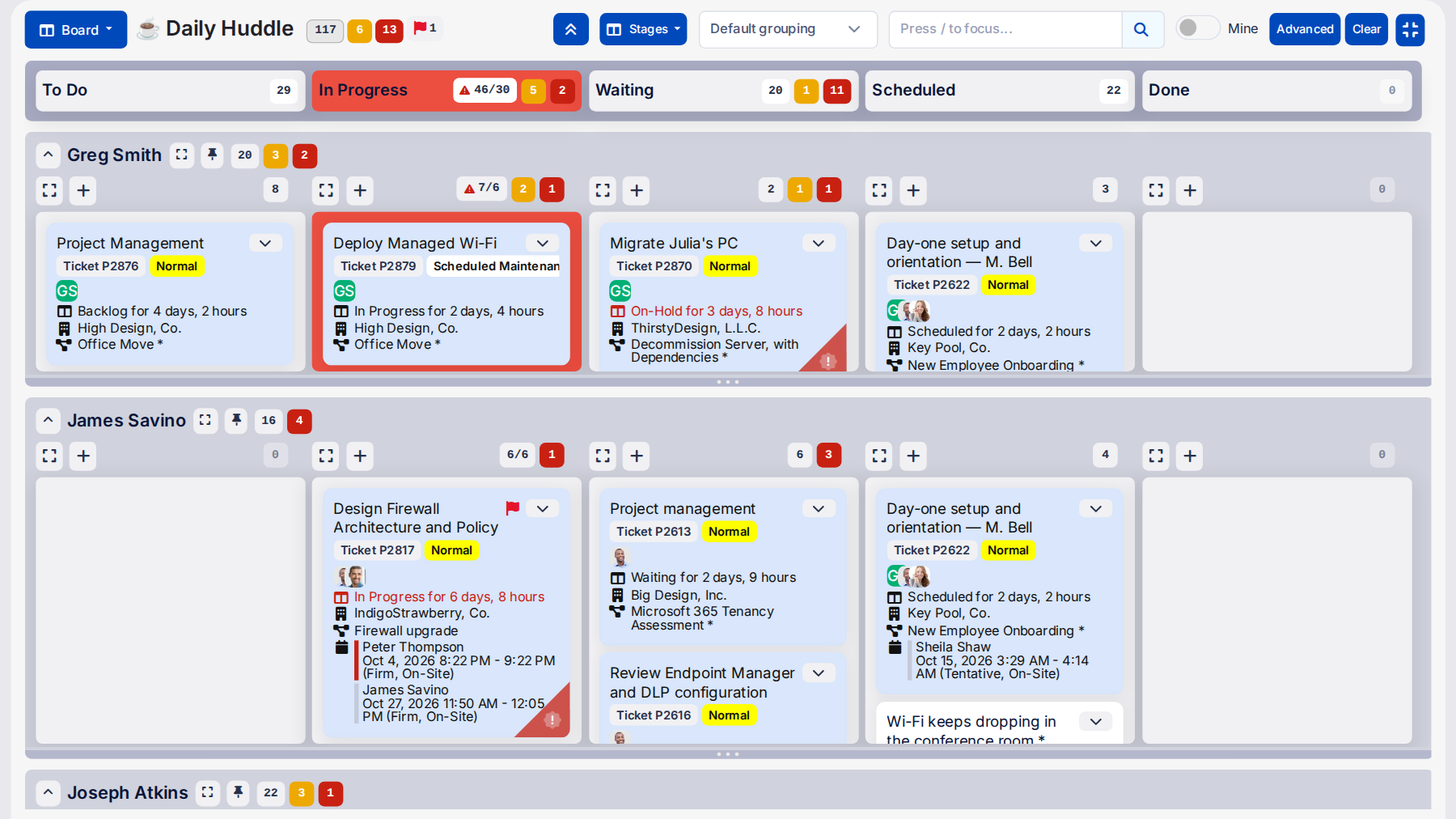
None of this needs a big launch. Put the work on a visible board, set a work-in-progress limit, and hold a short huddle every day. Most teams see what to fix next within the first few weeks.
Book a demo to see these practices on a live board.