
Kanban board software for MSPs, on the PSA you already run
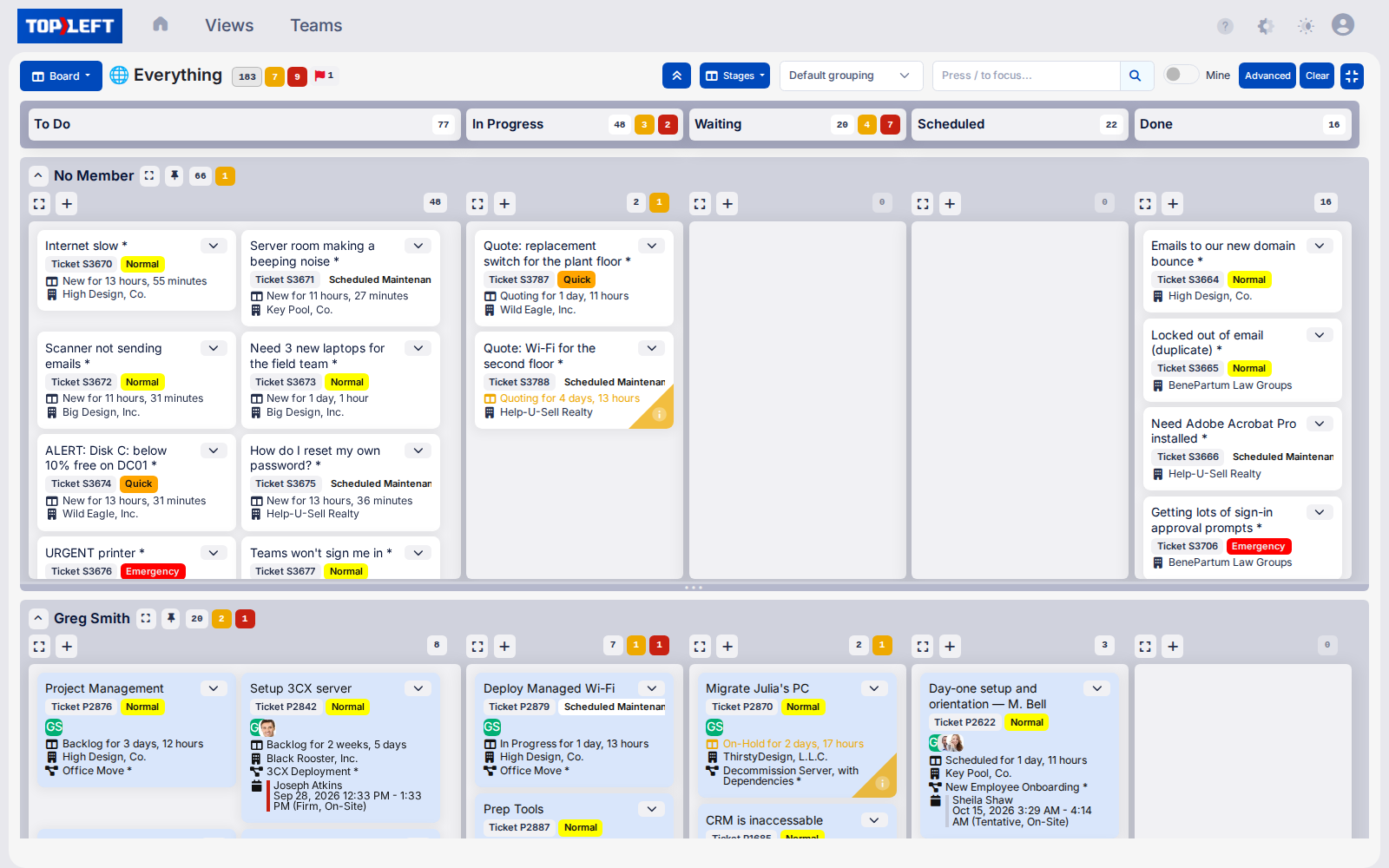
See your team’s work in one clear view. Build boards that reflect how your team really works instead of being restricted by your PSA’s setup.
- Drag-and-drop simplicity saves hours per technician each week
- Spot bottlenecks instantly to prevent SLA violations
- Two-way sync with ConnectWise, Autotask, and HaloPSA
Stop hunting through your PSA. Start working the way your team actually works.
Used by 700+ MSPs




Balance workloads and prevent technician burnout
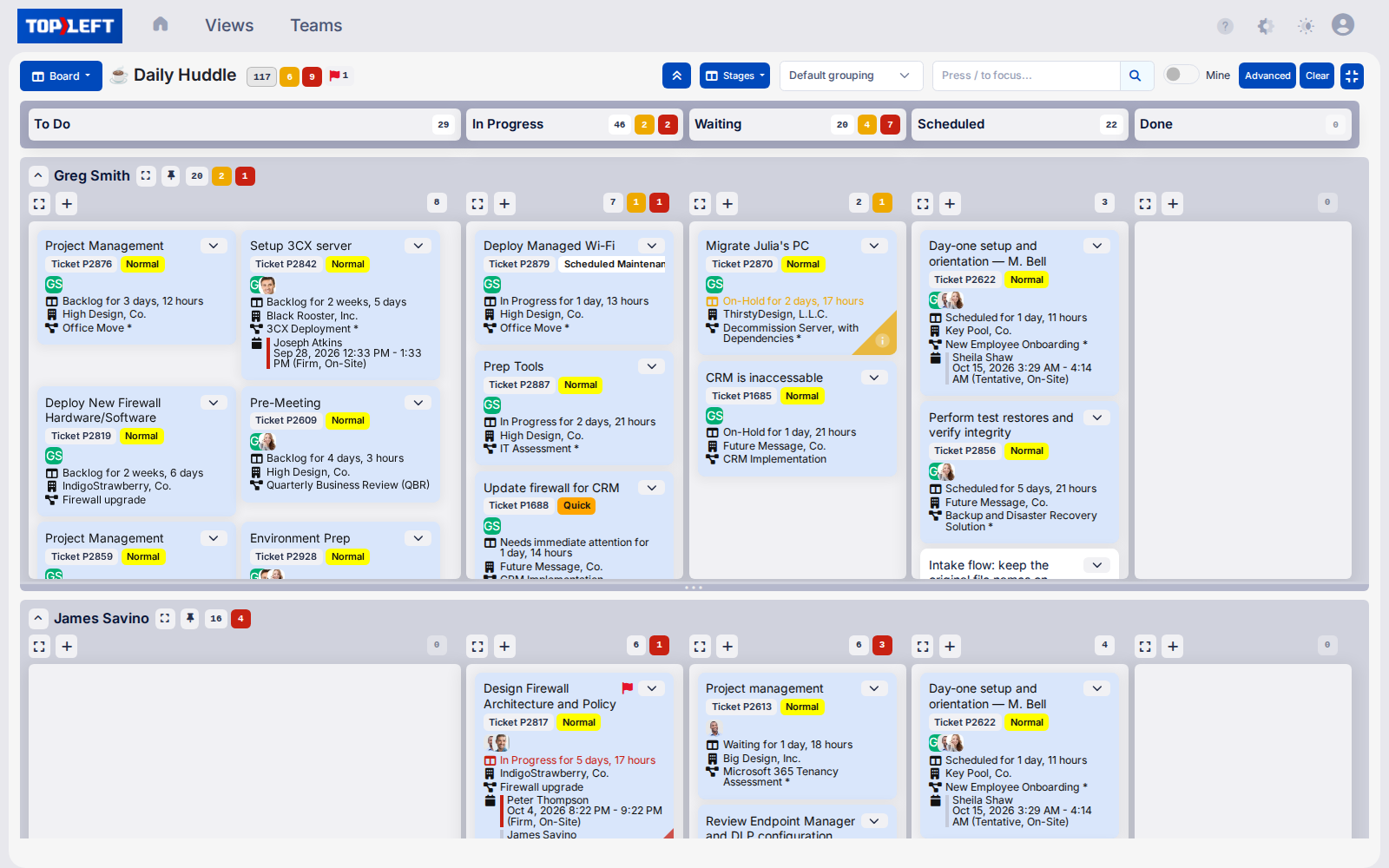
Stop your best techs from being pulled in too many directions with visual workload management. Never lose another key team member to burnout or overwhelm.
- See exactly how work is distributed across your team - Identify overloaded technicians before burnout occurs and those with capacity for more work
- Group work by project, priority, or resource - Organize tickets in ways that make sense for your specific service delivery approach
- Maintain real-time PSA synchronization without duplicate data entry - Every change in TopLeft instantly updates your PSA and vice versa
Establish clear priorities and focus
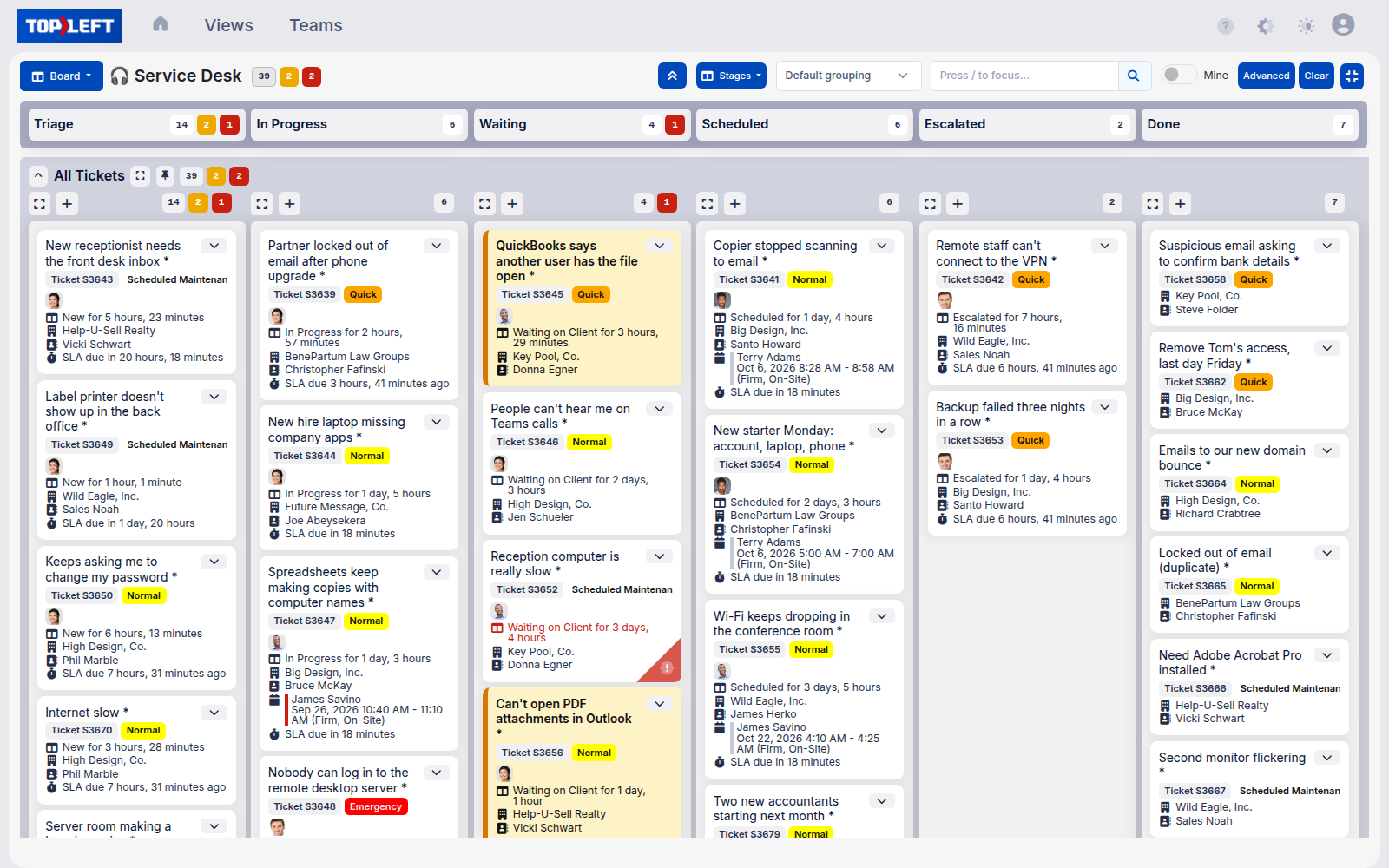
Ensure no important work falls through the cracks with visual prioritization tools. Move from reactive firefighting to proactive service delivery.
- Rank tickets within columns to establish clear work order - No more guessing which ticket should be worked on next
- Set Work-In-Progress (WIP) limits to prevent context switching - Reduce the productivity loss that occurs when technicians multitask
- Quickly identify aging or neglected tickets - Never again discover a forgotten ticket only after a client escalation
- Visually highlight SLA-critical work for immediate attention - Meet more SLAs and improve client satisfaction with color-coded priority indicators
Spot bottlenecks early. Protect your best people.
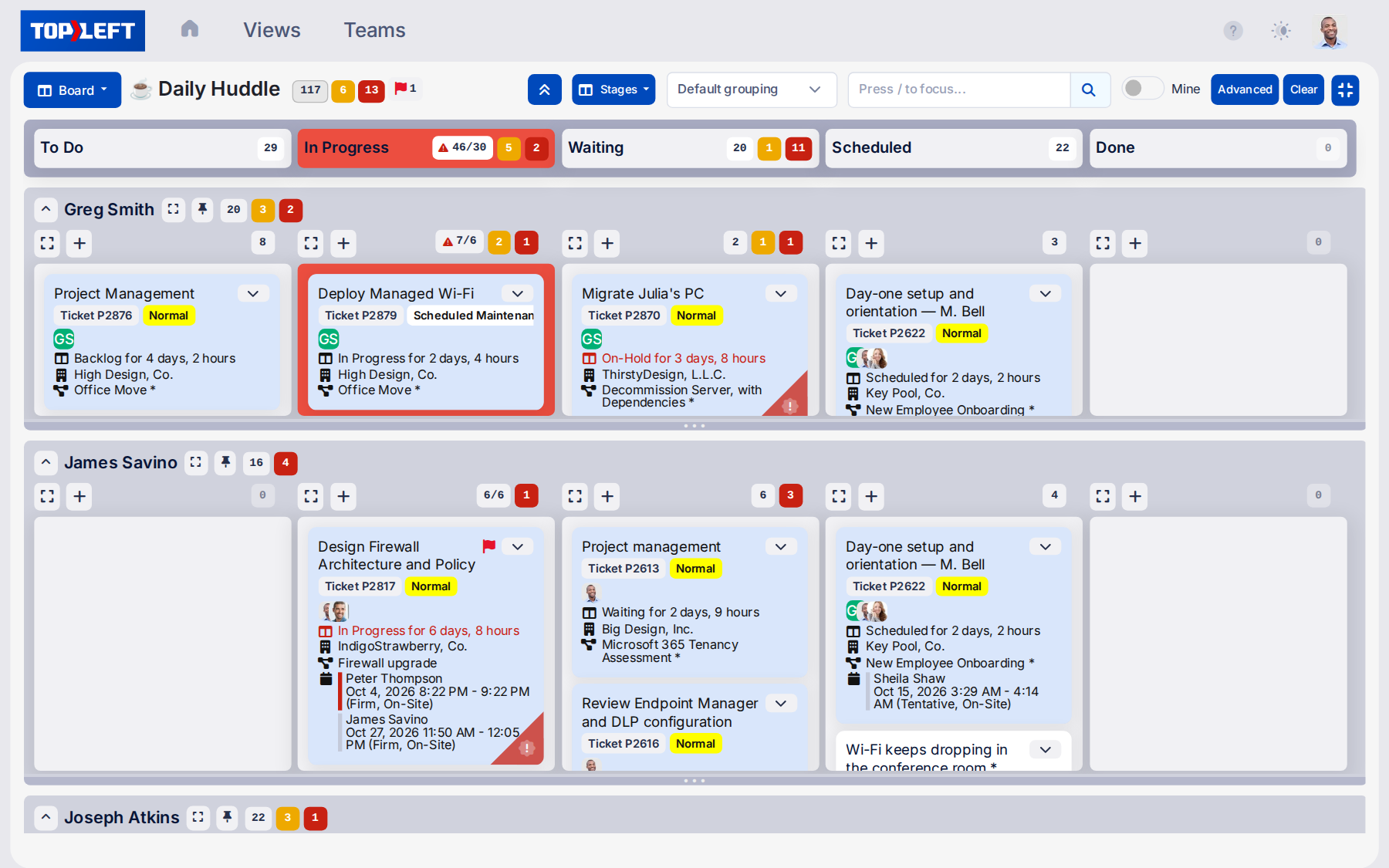
- Catch issues before they escalate – Instantly spot missing time entries, overbooked team members, or neglected tickets with visual alerts directly on each card.
- Know who’s at capacity and who’s not – View technician workloads at a glance to prevent burnout and assign work more effectively.
What MSPs say
★★★★★
“The big AHA moment was when I could click on the magnifying glass on a project drill into the tickets for the project.”

Scott Patsy
Manager of Strategic Engagement, CIT
A free 12-week guide to Kanban
12 Weeks to Kanban is a free series in our help centre. Each week adds one practice, so the team keeps working while the way it works changes.
- Weeks 1 to 4: describe one workflow, build its board, pick two Kanban roles, and start using it
- Weeks 5 to 8: a daily meeting, a way to handle urgent work, a definition of done for Ready tickets, and a rule for started tickets nobody owns
- Weeks 9 to 12: prioritize all work except live Level 1 support, set work-in-progress minimums and maximums, emphasize neglected work, and review everything
Questions MSPs ask
Where do I learn the Kanban method itself?
How do Kanban boards improve our team's productivity?
What makes Kanban better than our current ticketing system?
How do Kanban Work-In-Progress (WIP) limits help prevent burnout?
How does Kanban help with workload balancing across our team?
Can Kanban help us manage our SLAs and response times?
What's special about TopLeft's implementation of Kanban for MSPs?
How difficult is it to implement Kanban in our busy MSP?
How does Kanban help prevent tickets from falling through the cracks?
How quickly can we get started with Kanban using TopLeft?
See it in action
Get a personal tour of how PSA-integrated Kanban boards give your team a shared view of all their work.